
🎬 Apple TV App Explained: The Smarter Way to Stream
Tired of flipping between apps just to figure out what to watch next?
Between Netflix, Prime Video, Disney+, and everything else, it can feel like more hassle than it’s worth.
That’s where the Apple TV app steps in.
Instead of bouncing around trying to keep track of your shows, it brings everything together—movies, series, live sports, and multiple streaming platforms—all in one place.
Ready to see how it works? Let’s break it down—no tech-speak required.
🤔 So… What is the Apple TV app, exactly?
🎯 What Exactly Is the Apple TV App?
Think of it as your all-in-one streaming command center—a place that pulls your entertainment together so you don’t have to.
With the Apple TV app, you can:
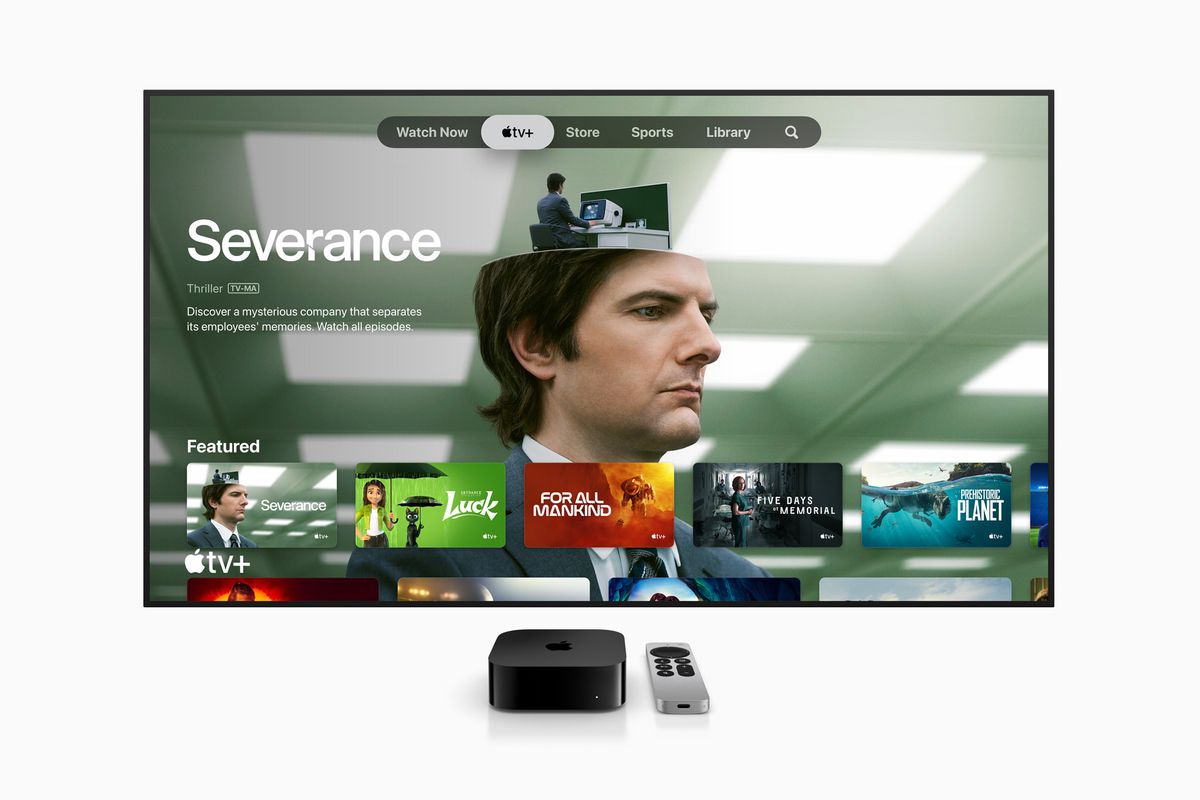
- 🎬 Stream Apple TV+ originals like Ted Lasso and Severance
- 📺 Subscribe to premium channels like Starz or Showtime—no separate apps or logins
- 🛒 Rent or buy movies right from the app
- 🌍 Access content from other platforms like Disney+, Prime Video, and more (availability varies by region)
Instead of jumping from app to app and forgetting where you left off, the Apple TV app keeps everything organized in one spot—so you can just press play and relax.
📱 Where Can You Use the Apple TV App?
Originally launched in 2016 on iPhones and iPads in the U.S., the Apple TV app has come a long way.
Today, it’s available on just about any screen you can think of:
- 📱 Apple devices: iPhone, iPad, iPod touch, Mac, and Apple TV (the box)
- 🖥️ Smart TVs: Compatible models from Samsung, LG, Sony, and Vizio
- 🥽 Apple Vision Pro: For an immersive viewing experience
- 🔌 Streaming sticks: Roku, Amazon Fire TV
- 🎮 Gaming consoles: Xbox and PlayStation
- 📺 Android TV devices: Many major brands supported
💡 If it has a screen, there’s a good chance the Apple TV app works on it.
🌟 What Makes It Awesome?
🛋 Watch Now
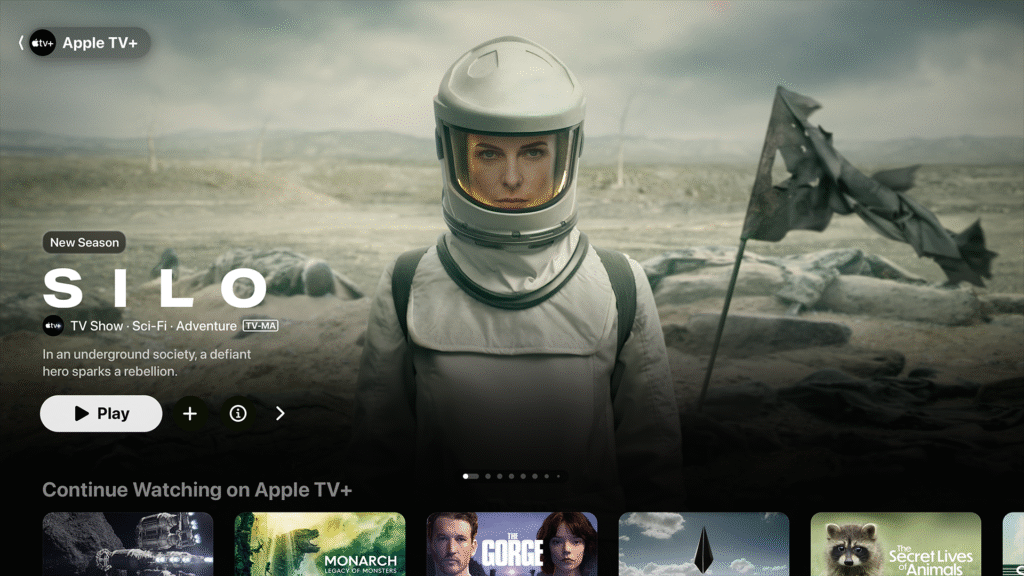
Your personal dashboard: shows recently watched content, trailers, and recommendations tailored to you.
🔍 Search Everything at Once
🔍 One Search, All Your Services
Just type the title of a movie or show, and the app searches everything you’re connected to—not just Apple’s catalog. No more app-hopping to find where it’s streaming.
📺 Only on Apple TV+
Binge-worthy exclusives like Ted Lasso, Severance, and The Morning Show live here. These are the shows you’ll be talking about—and you won’t find them anywhere else.
📦 Apple TV Channels
Subscribe to premium channels like AMC+, Starz, or Showtime—right inside the app.
No extra logins, no new apps.
🛒 Buy or Rent
Can’t find it on your subscriptions? Just rent or buy it through the built-in store.
🏈 Live Sports
Get real-time alerts and stream games via supported sports apps.
💾 Offline Viewing
Download episodes and movies to watch when you’re offline.
🎥 4K, HDR, Dolby Atmos
Enjoy top-tier video and sound quality—perfect for movie night.
🔄 Syncs Across All Your Devices
Start a show on your iPhone, pause it, and pick up where you left off on your Mac or Apple TV.
Thanks to Apple ID syncing, your progress follows you.
📲 No more guessing what episode you’re on.
🆕 Recent Upgrades You’ll Love
- macOS Catalina: First time the app appeared on Mac
- tvOS 13: Introduced multi-user support and picture-in-picture mode
- visionOS (Apple Vision Pro): Added 3D movie support—yep, like actual 3D
🚫 But What About Netflix?
Here’s the catch: Netflix doesn’t fully play ball.
You can search for Netflix shows in the Apple TV app…
…but you’ll have to open the Netflix app to actually watch or track your progress.
Bottom line: Netflix wants to do its own thing, and Apple can’t force it to play nice.
⚽ Big Win for Sports Fans: MLS Season Pass
In 2023, Apple scored a major deal with Major League Soccer.
Now, you can stream every MLS and Leagues Cup match globally—right inside the Apple TV app.
💡 Why Apple Made This App
Apple wants to:
- Simplify how we watch content
- Grow its services business by giving you more reasons to subscribe, rent, or buy content—all without leaving their ecosystem
🎉 Final Thoughts
The Apple TV app has come a long way.
It’s no longer just for Apple users—it works great on smart TVs, consoles, and streaming sticks too.